VibeEdit.
Image Editing with Canvas Instructions
Task
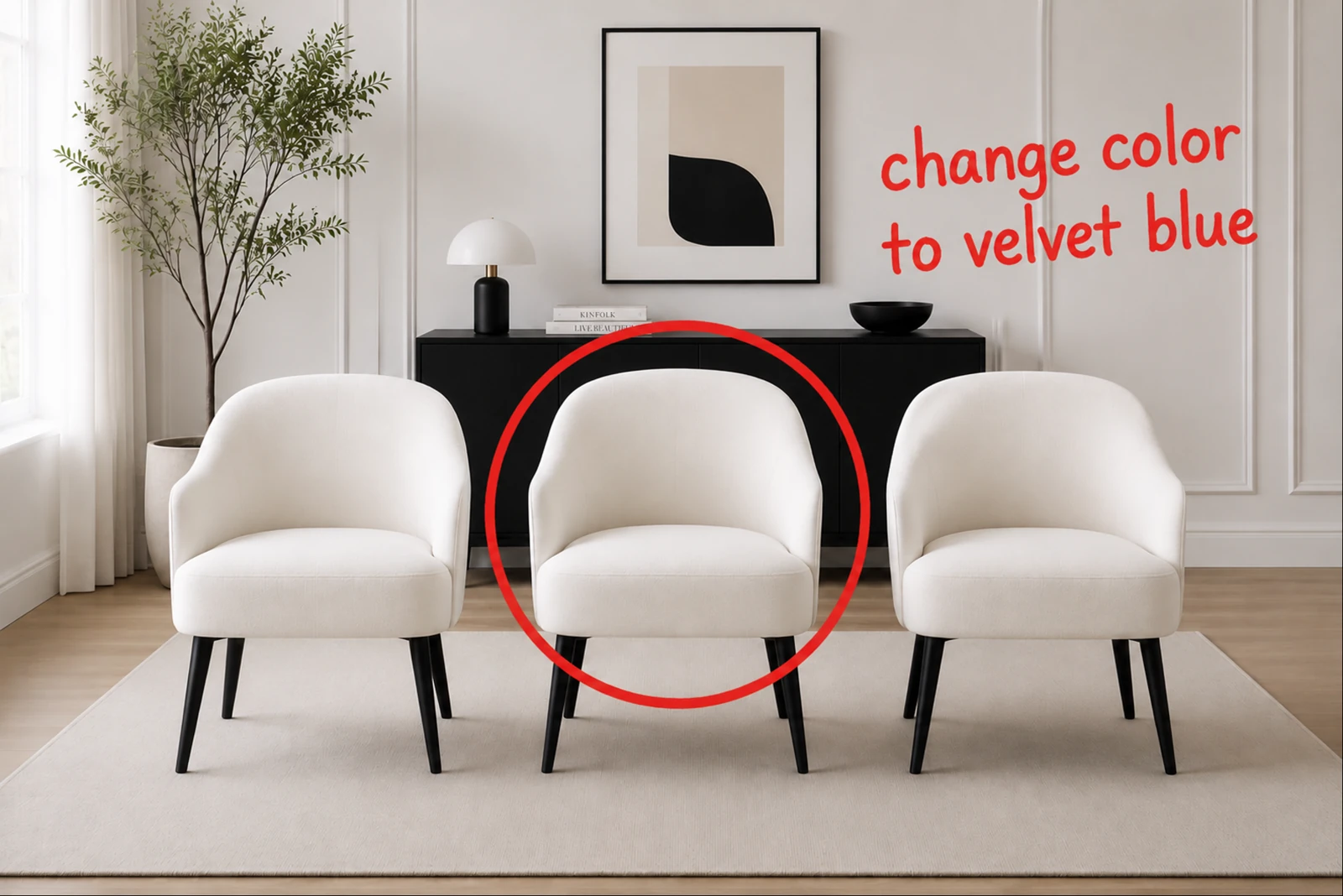
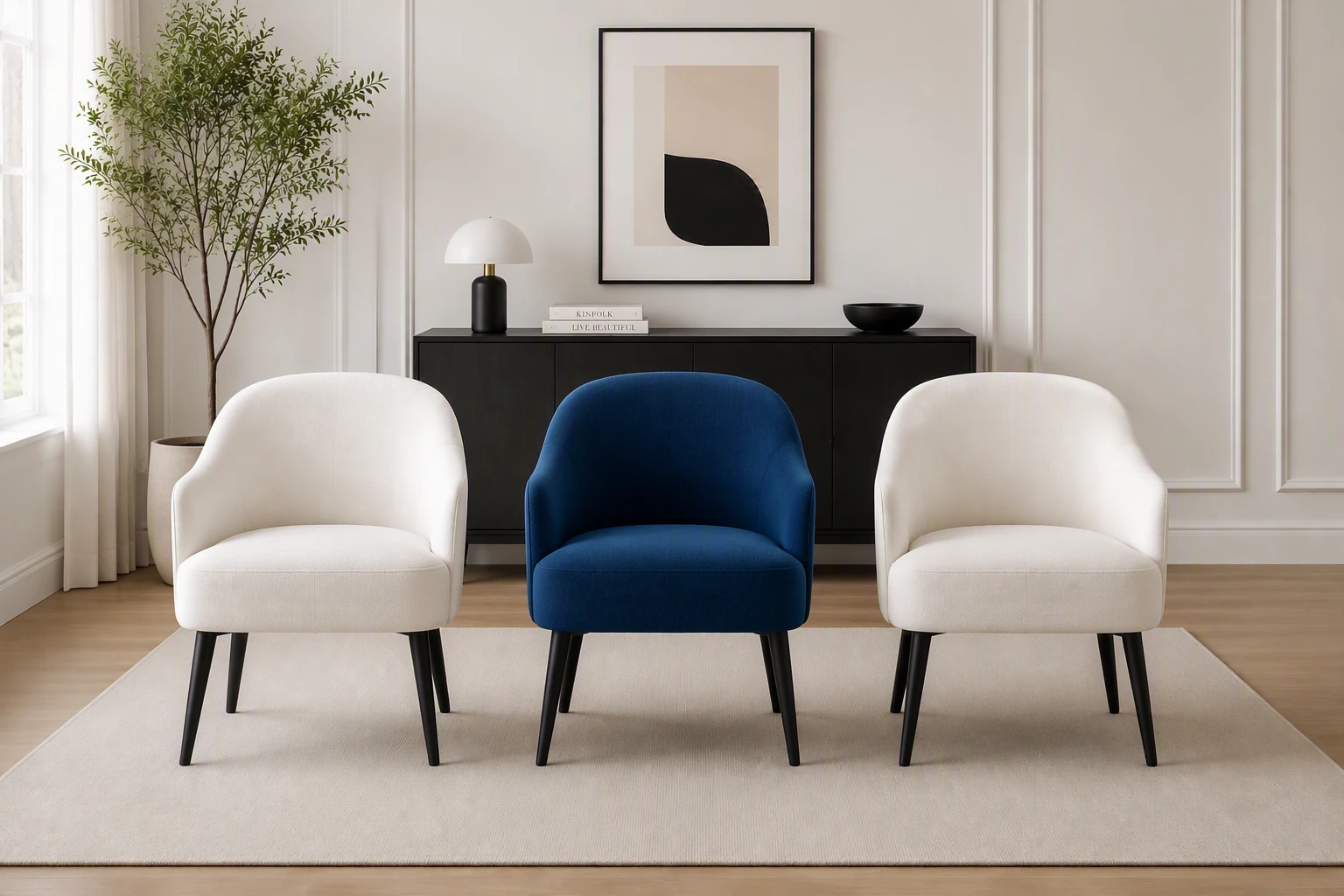
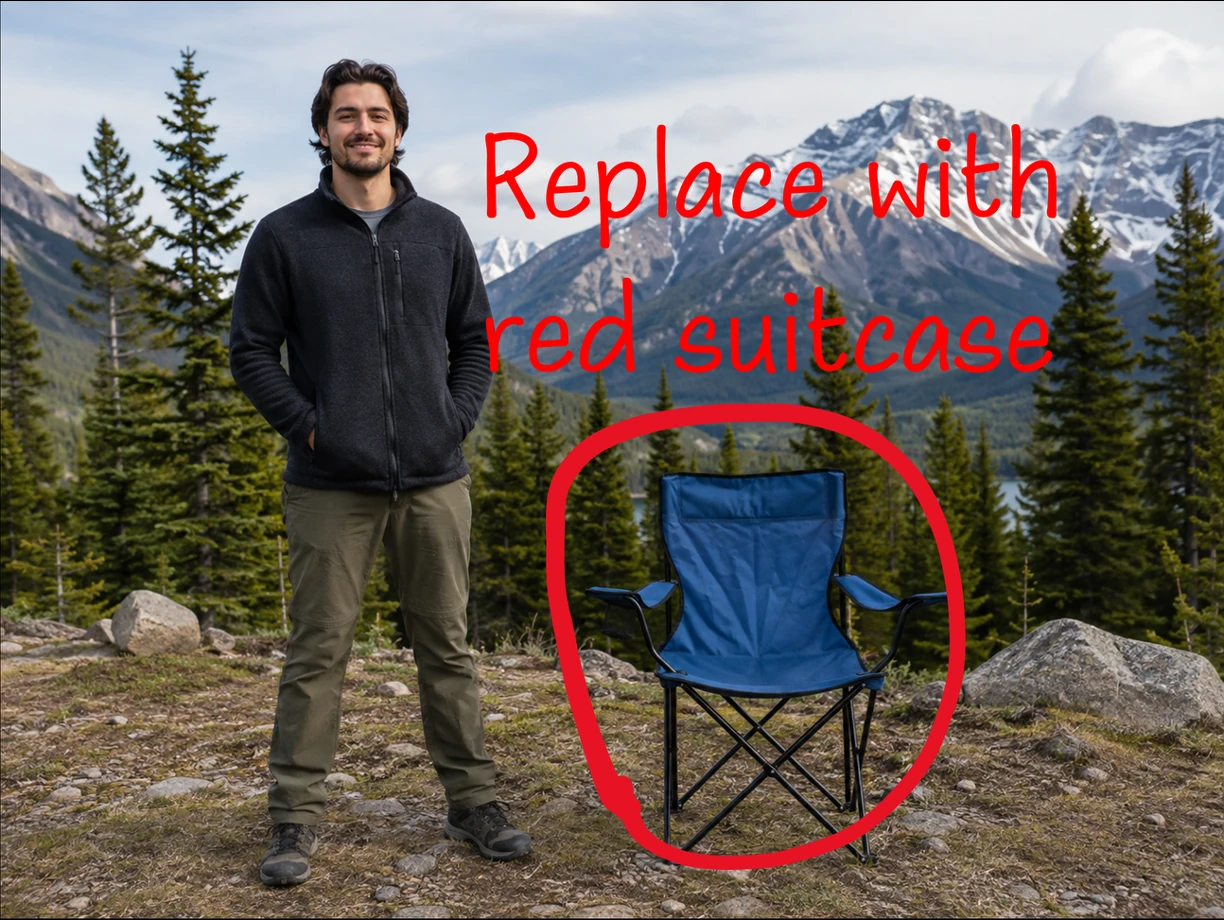
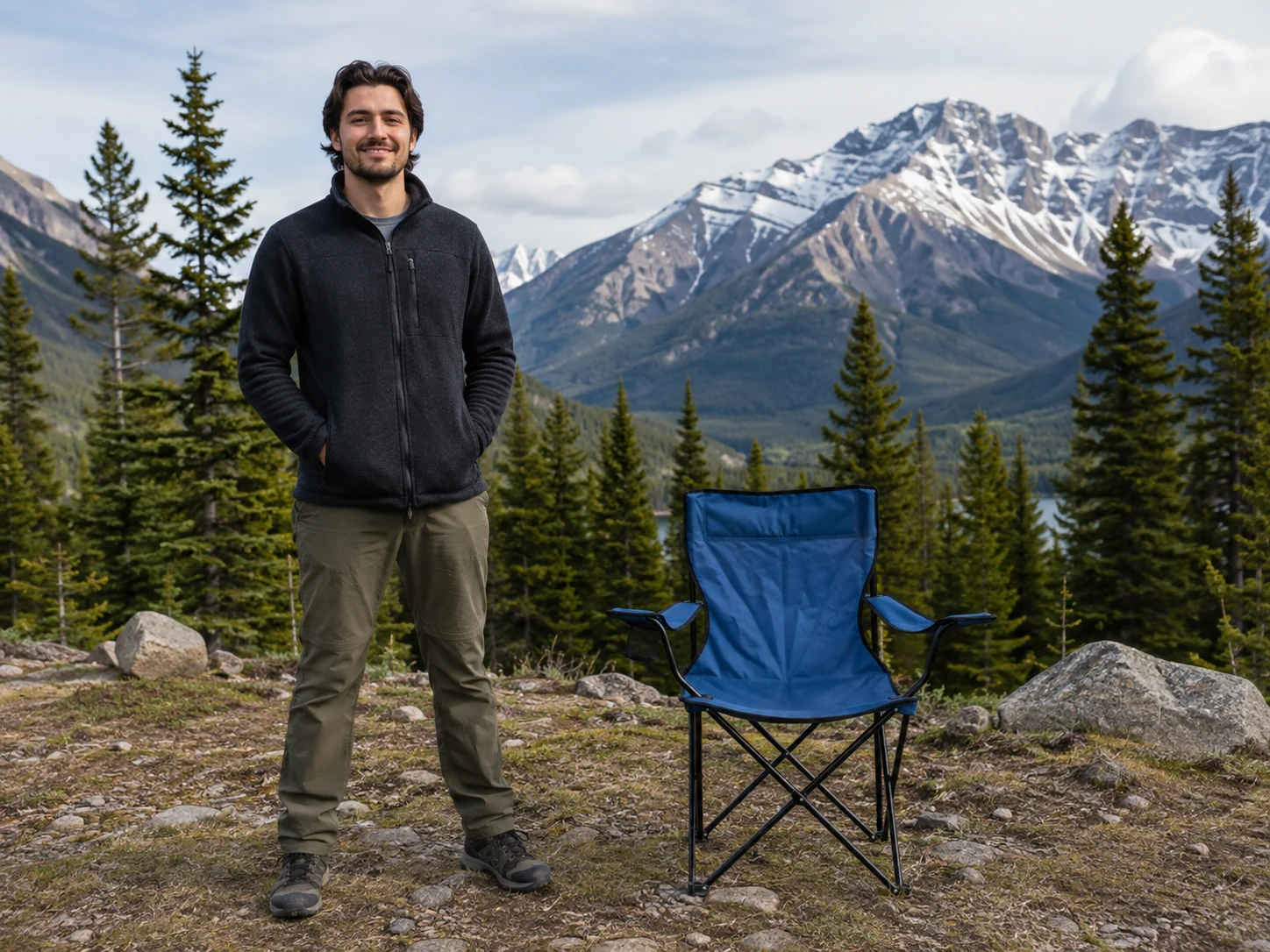
Canvas instructions specify what to change and where to edit directly on the image.
Spatial marks identify the target; short notes describe the change. Together, they form a canvas instruction. VibeEdit follows it to add, remove, replace, modify or move objects, without a separate text prompt.
Read the full abstract
In text-guided image editing, describing the desired change is often straightforward, but identifying the intended object or region can be cumbersome, especially when several objects look alike. We introduce a new image editing interface that lets users place spatial marks and optional short notes directly on the image. Together, these annotations form a canvas instruction that specifies where to edit and what to change. Our editor, VibeEdit, follows these instructions to perform object addition, removal, replacement, attribute modification, and movement without a separate text prompt. We construct 1.55 million source–target edit pairs with object masks and structured edit descriptions, from which we render canvas instructions during training. We adapt Qwen-Image-Edit with layer-decoupled conditioning that separately encodes source images and canvas instructions for image editing. We train the model with region-weighted supervised fine-tuning, followed by rubric-guided reinforcement learning to improve edit completion, local edit quality, and preservation of unedited regions. We evaluate VibeEdit on an independently constructed, human-curated benchmark of 419 cases emphasizing target selection among similar objects. VibeEdit achieves a VLM rubric score of 79.9 and an outside-region PSNR of 32.8 dB, compared with 67.4 and 24.0 dB for FireRed, the highest-scoring text-instructed baseline in our evaluation.
Interface
Circle, scribble, write or drag directly on the image to specify the edit.
Circle
Select an object or an empty region.
Scribble
Mark an object to remove.
Write
Describe the new content or attribute.
Drag
Connect the source and destination.
Change the middle chair to blue

 VibeEditReady
Recorded result · looped preview
Method
VibeEdit separates source and canvas inputs, then learns through supervised training and reinforcement learning.
 Annotated image A = I ⊕ C
 Clean source I
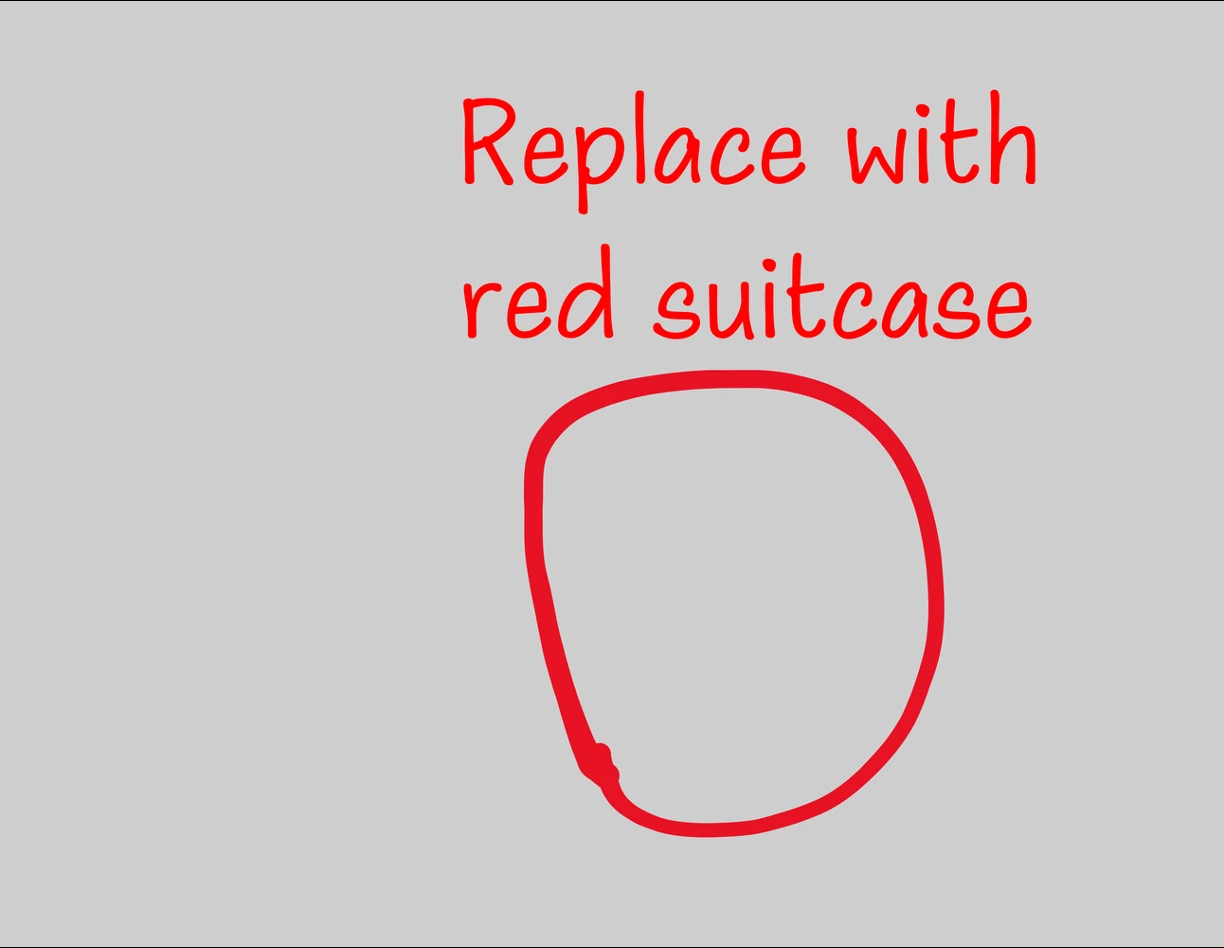 Canvas layer C̄
Qwen-Image-Edit DiT
Separate source and canvas conditioning
Qwen2.5-VL reads the annotated image; the VAE encodes the source and canvas separately. Their tokens condition the DiT. Only rank-128 LoRA adapters are trained.
Region-weighted supervised fine-tuning
Increase the loss weight over the edited object and the canvas marks. Keep supervision on the rest of the image.
Emphasize the edit and mark removal
Pixels inside the dilated region receive 2.5× the usual loss weight. All other pixels keep a weight of 1.
Region shapes are schematic. The paper uses object masks and rendered annotation masks, with 50 px dilation before latent downsampling.
The mask is used only to weight the training loss. Users do not provide a mask at inference.
Rubric-guided reinforcement learning
Sample several edits for the same instruction, evaluate them, and use the rewards to update the model with DiffusionNFT.
1. Sample candidate edits
12 rollouts per condition · 4 illustrations below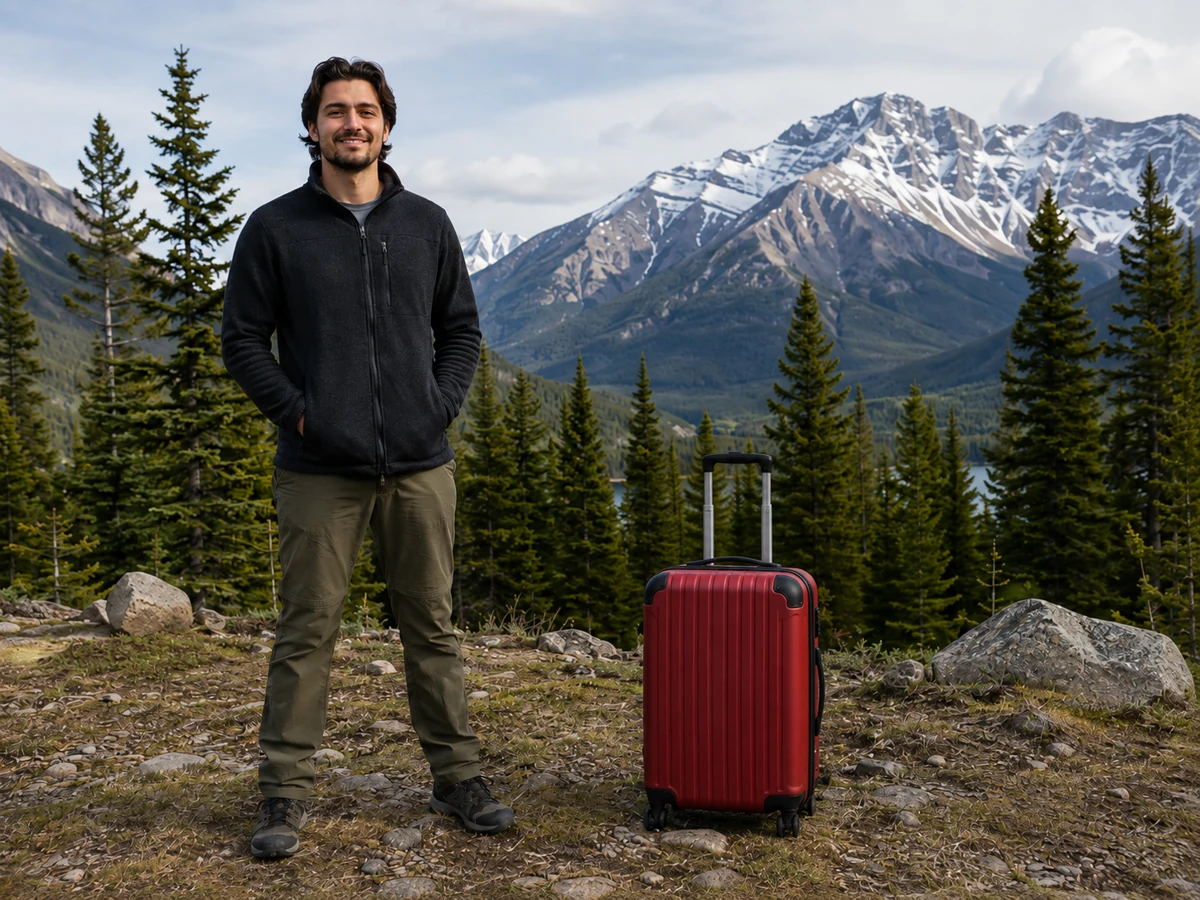
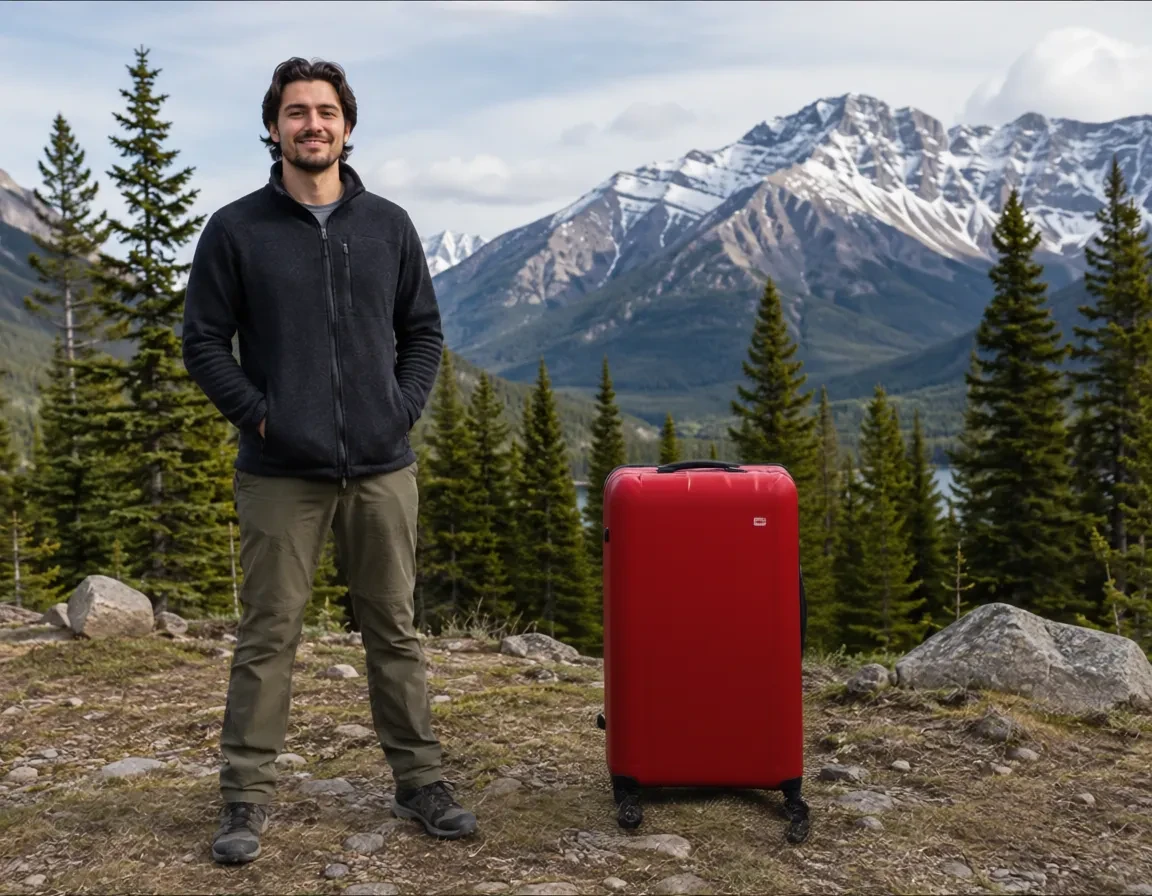
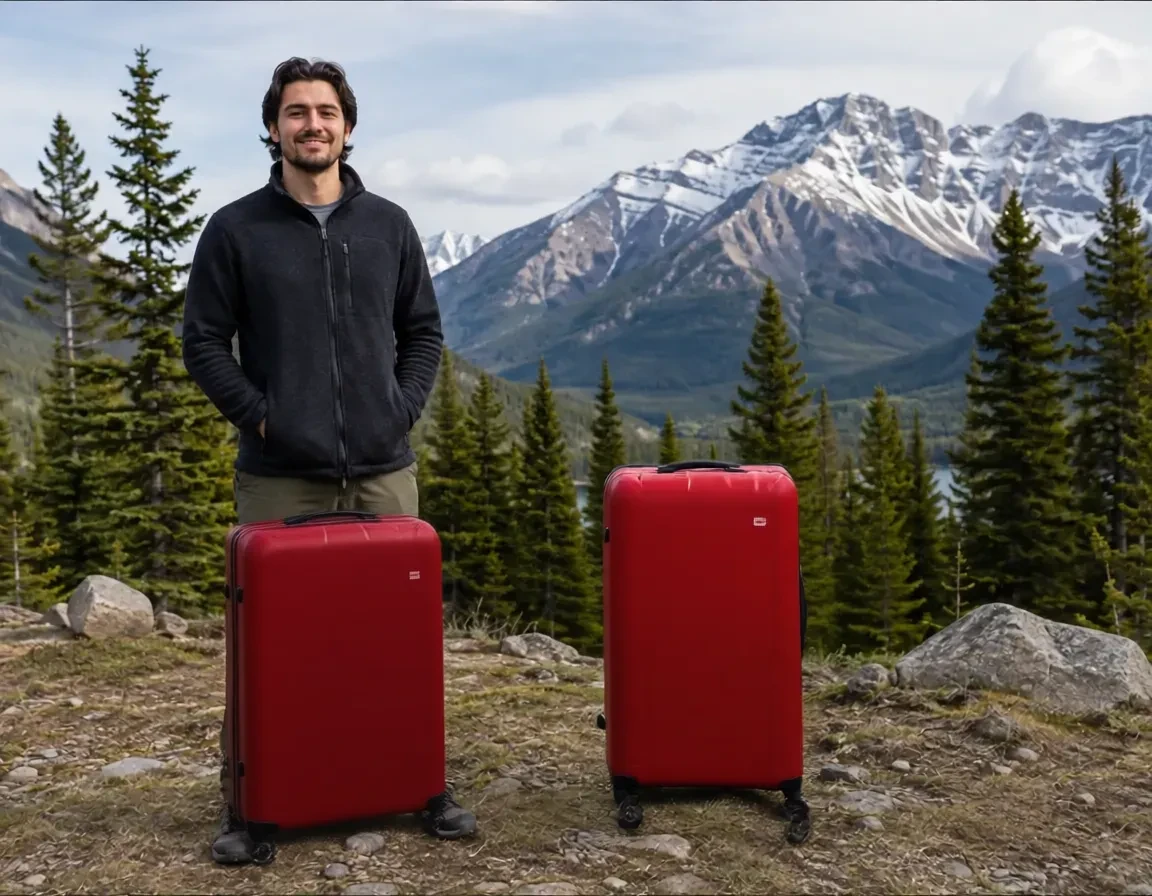
Candidates shown above are illustrations from the paper’s pipeline figure.
2. Compute a reward for each edit
Three rubric groups, each with multiple yes/no sub-questions. The excerpts below come from the appendix; questions vary by edit type.
Yes 1No 0Edit success
Appendix excerpt · Addition“Was {object_desc} added clearly and primarily inside the red TARGET bbox, while fitting the local scene?”
Outside preservation
Appendix excerpt · Shared“Did the edited image avoid unrelated extra edits beyond the requested visual instruction?”
Local edit quality
Appendix excerpt · Shared“Does the edited TARGET region fit naturally into the surrounding scene?”
Rubric pass rate
Fraction of all applicable sub-questions answered “yes”, across the three groups.
Preservation penalty
Subtract 0.3 if outside-region PSNR is below 25 dB.
3. Update with DiffusionNFT
Rewards determine how much each rollout contributes to the two training branches.
Add noise to a rollout latent.
Both use the same zₜ, timestep and edit condition.
Expressions use β = 1, as in the paper.
Minimize weighted reconstruction losses with reference regularization.
View model pipeline FIGURE 3
Open full-resolution PDFData
We construct source–target image pairs offline and render canvas instructions during training.
- 1
Select and segment
Florence-2 proposes objects. GPT-5.6-sol selects an editable target and describes the change. SAM 3 produces the object mask.
- 2
Generate edit pairs
Generate edited targets and store each pair with masks and structured edit descriptions.
- 3
Filter and annotate
Filter low-quality pairs with GPT-5.6-sol. Render varied marks and notes from the stored records during training.
| Edit type | Pair generation | Stored pairs |
|---|---|---|
| Addition / removal | ObjectClear removes an object; reverse the pair for addition. | 435,496 |
| Attribute modification | Qwen-Image-Edit changes a selected attribute. | 458,154 |
| Replacement | FLUX.1 Fill replaces an object inside an expanded mask. | 393,440 |
| Movement | Qwen-Image-Edit moves the object; SAM 3 finds its destination mask. | 266,972 |
Counts exclude online reversals and annotation variations. RL conditions are selected for high reward variation across rollouts.
View data pipeline FIGURE 2
Open full-resolution PDFResults
Evaluate edit success on the intended target and preservation of the surrounding image.
VibeEdit benchmark
419 human-curated cases, with similar-looking objects that make target selection challenging.
Each case specifies an edit region and intended change. Text baselines receive an external prompt (21.3 words on average); VibeEdit receives the source and canvas.
Metrics
- VLM rubric score (%)
- A fixed GPT-5.6-sol judge checks edit success, outside preservation and local edit quality with binary questions. Per-case pass rates are averaged within each task, then equally across the five tasks.
- Outside-region PSNR (dB)
- Measures source–output similarity outside a padded edit region. Higher values indicate better preservation.
Full comparison
| Method | Add | Remove | Modify | Replace | Move | Overall |
|---|
Visual-only baselines receive the annotated image. Text-instructed baselines receive the source and an external instruction. VibeEdit receives the source and canvas layers without a separate text prompt.
Examples
Drag to compare the canvas instruction and edited image.
Paper
VibeEdit: Image Editing with Canvas Instructions
BibTeX
@misc{zhao2026vibeeditimageeditingcanvas,
  title={VibeEdit: Image Editing with Canvas Instructions},
  author={Jinjing Zhao and Fangyun Wei and Yitong Wang and Xiuyu Wu
          and Yunuo Chen and Yang Yue and Sirui Zhang and Wenbo Wang
          and Hongyang Zhang and Dong Chen and Yan Lu and Chang Xu},
  year={2026},
  eprint={2610.12229},
  archivePrefix={arXiv},
  primaryClass={cs.CV},
  url={https://arxiv.org/abs/2610.12229},
}